Little LUMI Model Checklists, not web apps
Print them, tick them, close Settings. No scripts run on this hub.
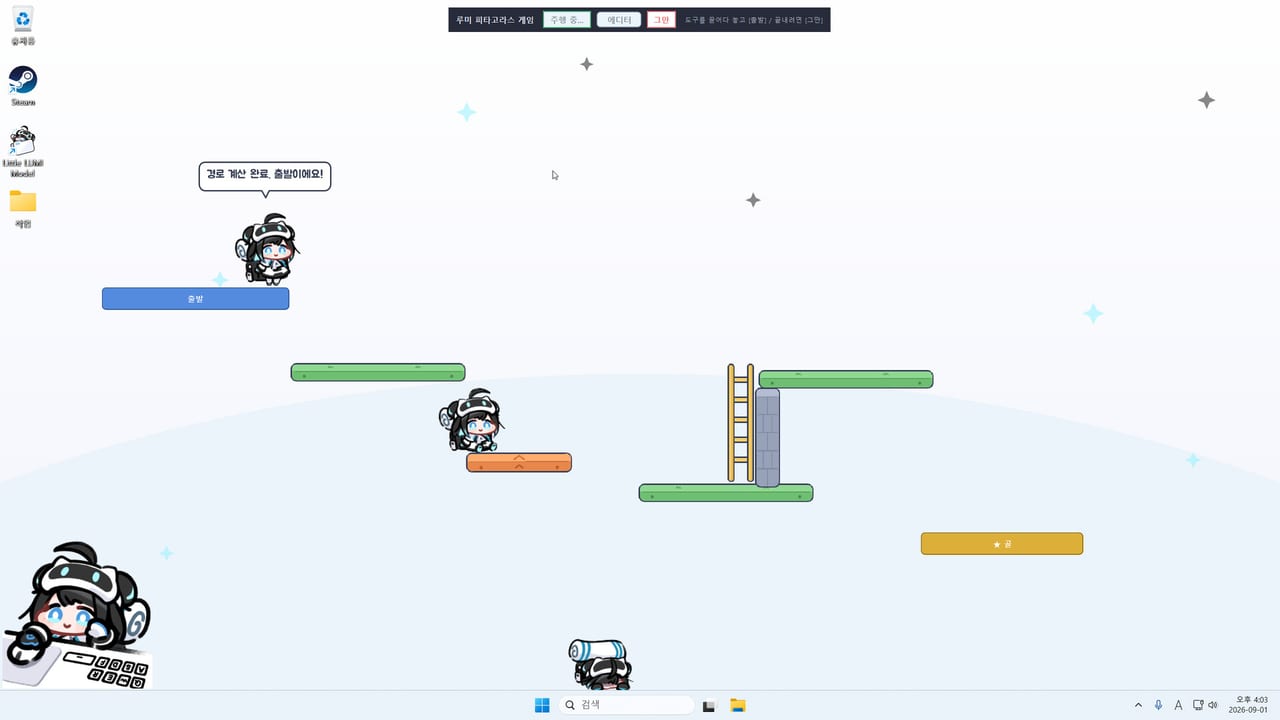
The tools on this wiki are markdown checklists. They do not run in your browser, they do not read your Steam inventory, and they do not inject anything into Little LUMI Model. You open Settings, you tick boxes, you go back to work. If you wanted a live overlay, Steam already ships one.
Two lists sit here:
- Settings checklist — Home, Lumi, Behaviour, Sound, Screen, About, in the order the window actually uses.
- Achievement tracker — the ten confirmed Steam titles, plus a reminder to finish the other forty in the overlay.
For narrative guides, use Getting Started, controls, focus mode, and troubleshooting. For “what to enable this week,” use first-week setup. For character counters, use Lumi Hub.
Why a checklist beats another settings essay
Little LUMI Model is a tray utility with six tabs. Owners skip Screen, leave hide-on-fullscreen off, then complain during a share. Or they skip Sound, subscribe to the Voice Pack, and never pick 루미 보이스 팩. A table with a tick column is ruder and more useful than another paragraph that says “consider your workflow.”
The settings list is opinionated in the same way the feature rank hub is: hide on fullscreen and stay-on-this-monitor are ticked as defaults you should want. Window toss is ticked as a thing you should confirm is off on a work machine. You can disagree. The markdown will not fight you.
The achievement list is conservative on purpose. Steam ships 50 unlocks. This wiki names ten. The tracker therefore has ten named rows and one row that says “opened overlay, counted the rest.” That is not a missing feature. Inventing forty names would be the missing ethics. Details and inferred hooks live on achievements.
How to use the pages
- Install on Windows 11 from Steam 5075020. Java is bundled.
- Open the tray icon, open Settings once, and work the settings checklist top to bottom. Do not jump to extras first.
- Apply hotfix 1.0.1 before extra Lumis if you are on a launch-week build.
- After she has walked for a day, optionally open the achievement tracker and tick Nice to Meet You / Head Pat if they already fired.
- When something fails, leave the checklists and go to troubleshooting. A freeze is not a missing tickbox.
Print to PDF from the browser if you want paper. These pages are static HTML after generate. There is no account and no cloud sync of your ticks — if you need persistence, copy the tables into a note.
What will never appear as a “tool”
- In-app code boxes. This is a one-time Steam purchase.
- Damage calculators. There is no combat.
- Inventory planners. There is no loot.
- JavaScript toys that call Steam APIs from this domain.
- Auto-clickers for head pats. Pat her yourself; affection is a hand gesture plus days together.
Workshop management stays on Steam. Subscribe, wait, restart Lumi, then tick the Sound-tab row on the settings list. LUMI Chat stays off the tools hub except as a “do not do this in week one” line. Official URLs sit on the links hub.
If a later patch adds a seventh Settings tab, the settings checklist gets a new row. If Studio LUMI publishes more achievement names we can confirm, the tracker grows. Until then, two pages are the whole kit: one to configure a quiet pet, one to remember which trophies this wiki is willing to say out loud.
Frequently Asked Questions
Quick answers for new Little LUMI Model owners.
Are these interactive apps?
No. They are markdown tables you tick mentally or in a personal note. Steam's overlay is the live achievement UI.
Which checklist should I open first?
Settings. Hide on fullscreen and stay on this monitor before you chase achievements or optional extras.
Why does the achievement tracker only have ten names?
Those are the titles this wiki can confirm. The remaining forty belong in the Steam overlay until they are confirmable.
Do the tools need an internet connection?
The wiki pages are static. The pet itself is offline by default. Steam is required to fetch patches and to sync achievements.