Guides
Little LUMI Model guides for first launch, mouse controls, Workshop, focus mode, OBS Broadcast, extras, extra Lumis, and desktop fixes.
View all GuidesA hand-drawn desktop companion wiki: setup, controls, Workshop, and quiet-work tips.
Unofficial Little LUMI Model wiki for setup, controls, Workshop, focus mode, and desktop-pet tips on Windows 11 after launch.
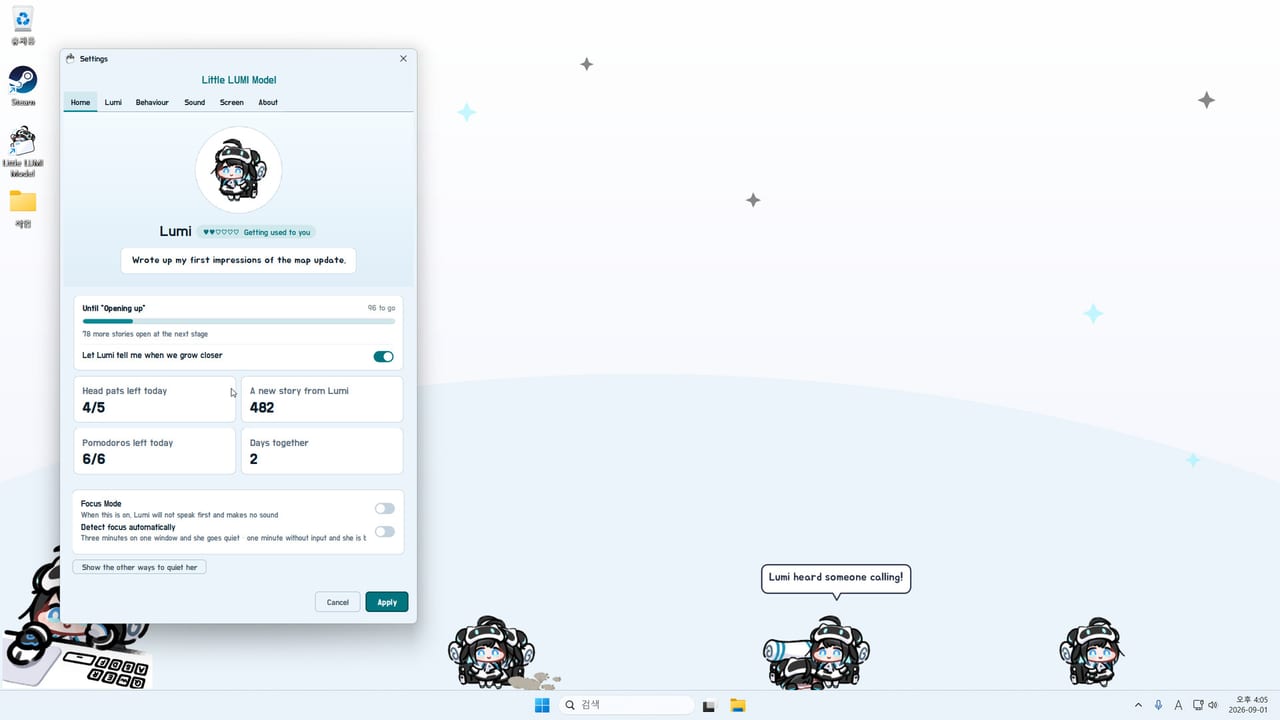
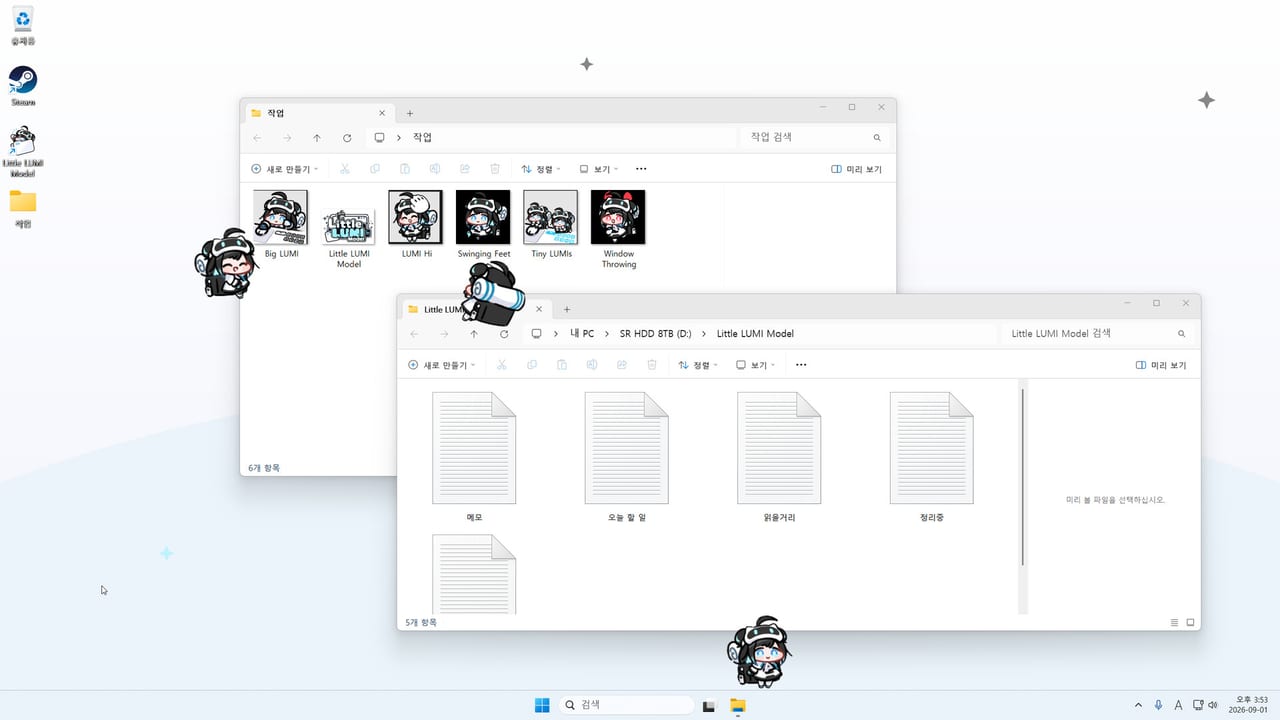
Little LUMI Model is a paid Windows 11 desktop companion from Studio LUMI, launched on Steam on 3 September 2026. Lumi walks your taskbar, climbs the window you are typing in, hangs from title bars, and naps when nothing happens. Pat her head, turn on focus mode, summon extra Lumis, or subscribe to extra characters on the Steam Workshop. This unofficial wiki maps setup, controls, affection, the 1.0.1 hotfix, and 1.1.0 Broadcast mode so you can keep her cute without wrecking a work session — or send her into OBS. Start with the Getting Started guide or skim the feature rank.
Little LUMI Model guides for first launch, mouse controls, Workshop, focus mode, OBS Broadcast, extras, extra Lumis, and desktop fixes.
View all GuidesLumi Hub maps six affection stages, 64 behaviours, and 50 Steam achievements for the Little LUMI Model desktop pet.
View all LumiWiki feature ranks for Little LUMI Model: focus tools, screen rules, Voice Pack, extra Lumis, and optional extras after launch.
View all Feature RankMarkdown checklists for Little LUMI Model: a six-tab settings pass and a Steam achievement tracker for confirmed titles.
View all ToolsLittle LUMI Model patch notes: the 3 September 2026 Steam launch, hotfix 1.0.1, and 1.1.0 Broadcast mode for OBS.
View all UpdatesOfficial Little LUMI Model links: Steam store, Workshop, news, discussions, streamerlumi.com, support mail, and this wiki's hubs.
View all LinksLittle LUMI Model is a Windows 11 x64 utility with a bundled Java runtime. Buy it on Steam, install, and launch from the library. There is no extra runtime download and no account beyond Steam. Full first-run notes live in Getting Started.
Lumi appears on the taskbar and treats windows as terrain. Open Settings from the tray icon. Tabs start as Home, Lumi, Behaviour, Sound, Screen, and About. Patch 1.1.0 adds Broadcast for OBS — leave it off until you stream. Use the controls guide before you start throwing her.
Rub the top of her head so the cursor becomes a hand. Daily head pats and days together feed affection. Before deep work, enable focus mode and auto-hide on fullscreen from the Screen tab.
The Steam Workshop can add extra characters and the LUMI Voice Pack. Subscribe, fully restart Lumi, then pick the pack on the Sound tab. Do not stack chat mods until the base pet feels solid.
Tray → Call Another LUMI. Two or more chat, high-five, share credits, and march. Hotfix 1.0.1 fixed a Parade dialog freeze. Details are in multiple Lumis and the updates hub.
Quick answers for new Little LUMI Model owners.
No. It is a paid Steam desktop companion for Windows 11, released 3 September 2026 by Studio LUMI. Buy it from the official Steam page linked in the header.
Follow Getting Started, then controls and focus mode. If she freezes or climbs the wrong window, use troubleshooting.
No. Little LUMI Model is a one-time Steam purchase. There is no in-app code box. Watch Steam news for patches instead of hunting gift codes.
This wiki is in English, Japanese, Korean, and Traditional Chinese. The software's official UI also includes Simplified Chinese; this site does not. Legal pages stay on the shared English URLs.
Official minimum OS is Windows 11 x64 with 2 GB RAM and 400 MB disk. macOS and Linux are not listed. Steam Deck compatibility is unknown. See troubleshooting for the spec sheet.
Yes, after patch 1.1.0. Open Settings → Broadcast, press Start Broadcast mode, and she leaves the desktop overlay. Steps: Broadcast mode.
Install from Steam, pat her once, then use focus mode before a long work block. If something freezes, read troubleshooting and the 1.0.1 hotfix notes.
Start with the setup guide